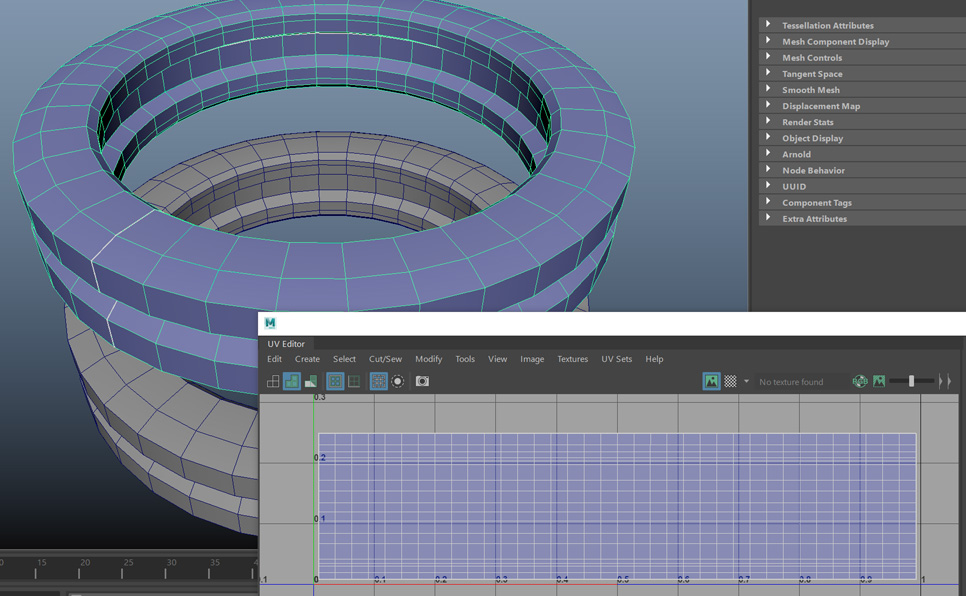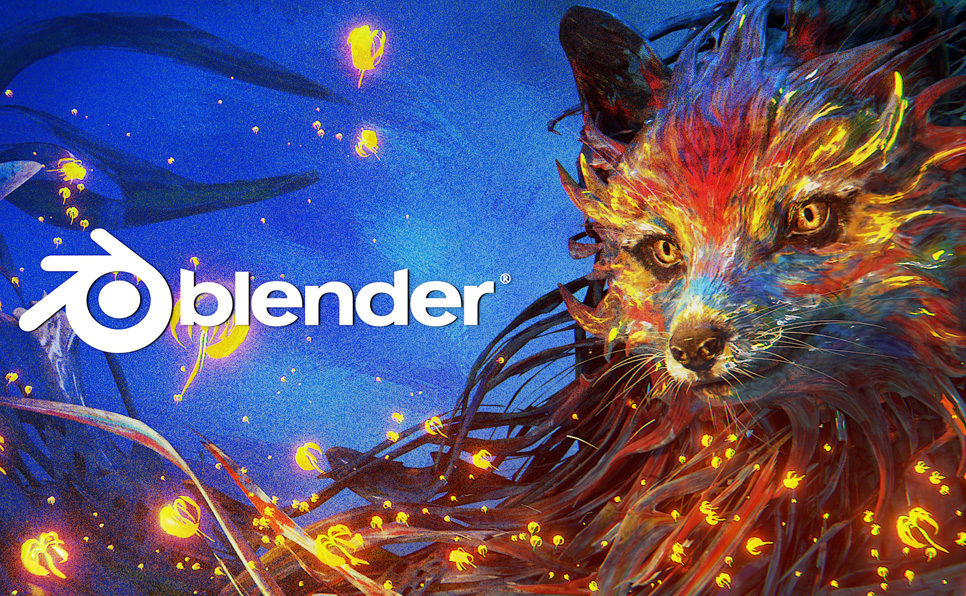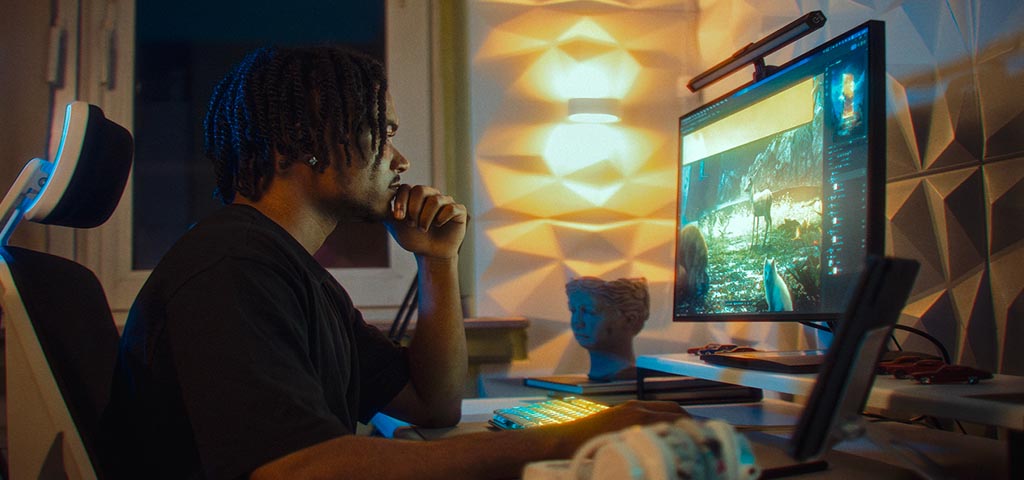
In 3D art and animation, every pixel on your screen needs to pull its weight. That’s why—whether you’re sculpting lifelike characters or crafting cinematic lighting—the right monitor is key to spotting tiny flaws, matching colors with confidence, and seeing your work exactly as your audience will. The wrong one? It’ll leave you second-guessing every step of the way.
So, if you’re serious about 3D art, it’s time to get serious about your screen. Here’s what to look for.
Choosing a Monitor with Accurate Color for 3D Art
Ever tweak a shader for hours only to have the color look completely different on another screen? It might not be your material setup—it could be your monitor. When you’re fine-tuning materials and lighting, you need a screen that shows you the real picture. Otherwise, you’re flying blind.
That’s why color accuracy should be high on your monitor checklist. Look for:
- Delta E < 2: The lower the value, the more precise your colors.
- Factory calibration: So you’re getting reliable color right out of the box.
- Hardware calibration support: For long-term consistency using tools like a colorimeter.
Still, getting the color right isn’t just about accuracy. It’s also about how much color your monitor can handle.
If you are interested in 3D production, check out our Best 3D Modeling Software list.
Evaluating Color Gamuts: sRGB, Adobe RGB, and DCI-P3
Creating 3D art for the web? Printing photoreal 3D renders? Making 3D animations for cinema? Whatever the final destination, your monitor’s color gamut matters.
Here’s a quick breakdown of the minimum gamut coverage you’ll want for 3D art:
- sRGB (100%): Standard for web and most digital content.
- Adobe RGB (99%+): Best for photoreal 3D renders heading to print.
- DCI-P3 (95%+): Delivers rich contrast and depth, ideal for high-end 3D animation.
And if you’re working in cinematic or real-time engines, there’s another piece to the puzzle: dynamic range.
Why HDR Support Matters for 3D Animation
HDR (High Dynamic Range) support is more than just a nice-to-have when it comes to 3D animation. A monitor with HDR support can display a wider spectrum of brightness and color, helping you preview your scenes the way they’ll appear on today’s high-end displays.
That means more control over mood and exposure, more realism in lighting effects like bloom, flares, and emissive materials, and a better shot at catching issues like crushed shadows or blown-out highlights before they make it to the final render.
And while dynamic range helps with how your work feels, resolution affects how much of it you can see at once.
Choosing the Right Resolution
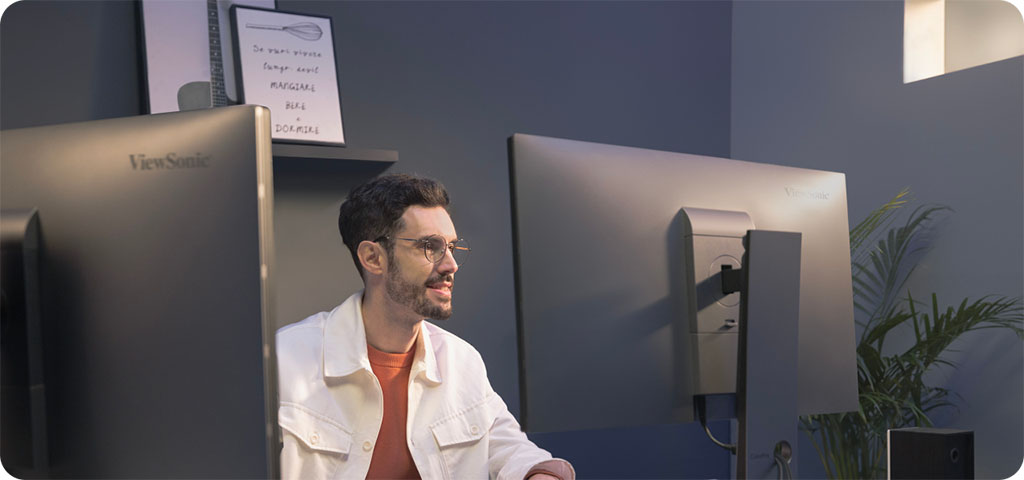
If HDR shapes how your scene feels, resolution shapes how efficiently you can build it. With shader previews, sculpting panels, node graphs, and timelines all competing for space, higher resolution means sharper visuals and more of your workspace in view.
A 4K (UHD) monitor is a great starting point, but if you want more breathing room, a 5K (UHD+) display with 200+ pixels per inch makes a noticeable difference. Take the ColorPro VP2788-5K, for example—its 27-inch panel and 218 PPI give you the clarity and space to view 4K animations at native resolution while keeping your tools and timelines visible.
But even the sharpest screen won’t keep your workflow smooth if you’re constantly juggling cables and peripherals. That’s why your monitor’s connectivity is just as important.
Selecting a Monitor with High-Performance Connectivity
Between external drives, drawing tablets, render previews, and dual monitors, 3D production setups can get cluttered quickly. That’s why good connectivity is essential.
Here are the features to look for in a monitor that can keep up:
- Single-cable simplicity: Thunderbolt 4 or USB-C with Power Delivery handles high-speed data, video output, and laptop charging.
- Easy dual-display setup: Daisy-chaining lets you add a second monitor without using another port on your laptop or GPU.
- Built-in ports: An integrated USB hub lets you plug in tablets, SSDs, and peripherals.
The ColorPro VP2776T-4K and VP2788-5K keep your setup clean and connected with Thunderbolt 4, 100W power delivery, and daisy-chaining. And if you’re juggling devices, the VP2776T-4K goes a step further with a built-in docking hub, so you can switch between laptops, towers, and peripherals without breaking a sweat.
Interested about hardware for Digital Artists? Read our updated CPU for Rendering guide.
Final Thoughts
From color accuracy and 5K resolution to HDR and powerful connectivity, we’ve covered the features that make a monitor shine for 3D art and animations. In the end, it all comes down to this: with the right display, you’re not second-guessing what you see—you’re working faster and creating visuals that hold up across screens and formats.
That’s why many 3D artists choose ViewSonic ColorPro monitors. With high pixel density, wide color gamuts, and factory calibration, these monitors deliver the clarity and precision needed for professional-level sculpting, lighting, and rendering.
If that sounds like your kind of workflow, consider putting your skills in the spotlight. Submit your best 3D art to the Digital Art category of The ColorPro Awards—a global visual arts competition with over $30,000 USD in prizes across categories.
About ColorPro
Every creator sees their work before it exists—on the canvas of the mind or through the lens of the real world. With industry-leading color accuracy and consistency, ColorPro creative monitors empower creators to craft, perfect, and showcase their work exactly as envisioned.
Nyx is an editor at Vertex Mode and a passionate 3D artist with years of experience in both gaming and film. With a deep love for digital art and visual storytelling, Nyx brings a unique blend of technical expertise and creative vision to every project. From sculpting detailed characters to designing immersive environments, their work reflects a commitment to pushing the boundaries of what’s possible in 3D design.
At Vertex Mode, Nyx not only oversees content but also shares valuable insights into the world of digital art and the creators behind it. They believe that every artist has a story worth telling, and through thoughtful articles and features, Nyx highlights the talent, challenges, and inspiration that shape the creative industry. Their perspective as a working 3D artist allows them to connect with readers in a way that feels both authentic and relatable.
Nyx’s expertise spans across concept development, modeling, and animation for both gaming and cinematic experiences. By blending artistry with technical precision, they continue to explore how digital tools can unlock new creative possibilities.
Through Vertex Mode, Nyx aims to inspire both aspiring and professional creators, offering resources, insights, and encouragement to thrive in the ever-evolving world of digital art.