
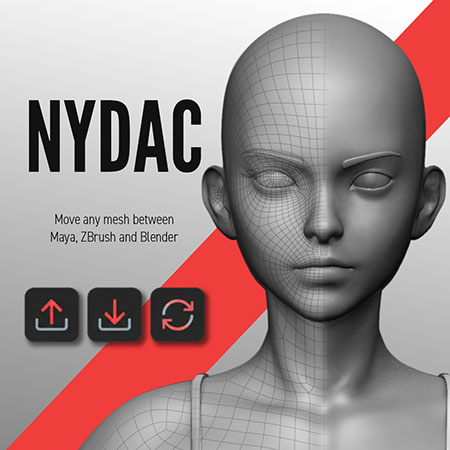
Nydac
$5.00
Nydac is a fast, lightweight bridge for moving meshes between Maya, ZBrush, and Blender.
Export from one application, work in another, and bring your mesh back with just one click. No complicated setup.
One-time payment · Instant download · Windows Only
Stop Rebuilding Your Setup Every Time You Sculpt
Move your mesh to ZBrush, make your changes, and bring it back without starting over.
Nydac updates your existing mesh in place, helping preserve the setup you've already built around it.

Keep your existing materials assigned.

Update geometry without creating duplicates.

Topology checks prevent mismatches.

Geometry updates are undoable.
Open Beta · One-time purchase · Updates through v1.0 included
Built For
- Fast iteration across applications
- Reliable single-mesh exchange
- Non-destructive mesh updates
- Artists using Maya, ZBrush, and Blender

One Mesh. Three Applications. One Continuous Workflow.
Watch how Nydac moves a mesh out for editing and brings the updated shape back without replacing the original object.
Maya, Blender, ZBrush. One Workflow.
Nydac keeps things simple across all three apps, so you can move your mesh, make changes, and get back to work without interrupting your flow.
Maya
Blender
ZBrush
Your Mesh Goes Back Where It Belongs.
Moving between apps should not mean importing another copy, reconnecting materials, fixing names, or rebuilding your scene.
Nydac updates the mesh you are already working on.
- Your object stays in place.
- Your materials stay connected.
- Your modifiers and scene setup stay intact.
- You just get the new shape.
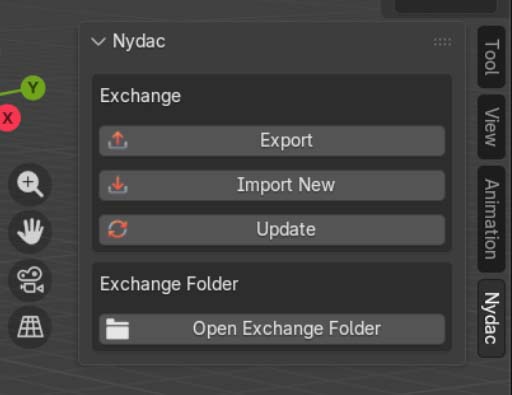
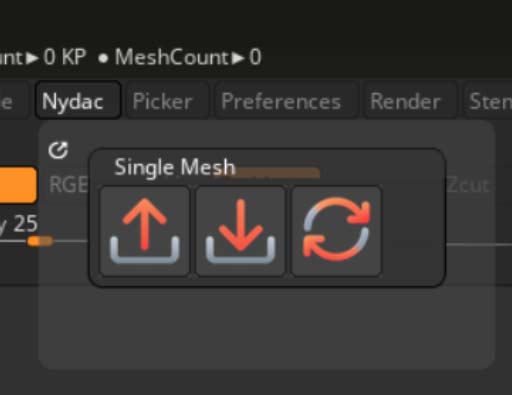
Three Buttons. That’s It.
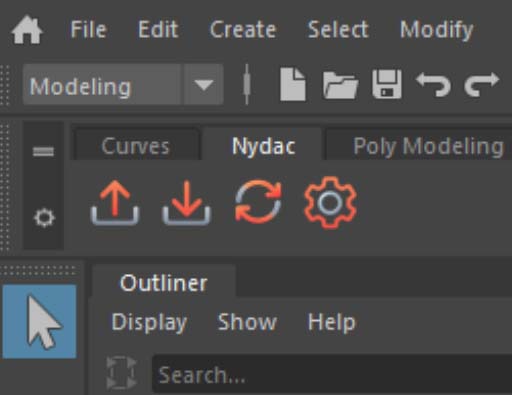
Export
Send the selected mesh to Maya, ZBrush, or Blender without changing the original object in your scene.
Import New
Bring the exchanged mesh into your scene as a new object for comparisons, iterations, or a fresh start.
Update
Apply the edited shape to the existing object. If topology does not match, Nydac stops and tells you why.
Compatibility

Each tool installs on its own, use one, two, or all three.
No license server. No subscription. No complicated configuration.
Your Setup Stays Yours
Built For Iteration.
- Non-destructive export
- Update in place
- Safe topology checks
- Undoable updates
- Open
.objexchange
Spend less time managing meshes and more time working on them.
Compatibility
Maya ↔ ZBrush ↔ Blender
Use whichever application makes sense for the task. All three use the same simple Export, Import New, and Update workflow.
- Maya shelf tools
- ZBrush 2026.1+ plugin
- Blender 4.2 LTS+ add-on
- Windows supported at launch
- Quick-start and troubleshooting guides
Less File Management. More Iteration.
Sculpt in ZBrush. Refine in Maya. Jump into Blender.
Then bring the mesh back without rebuilding everything around it.
One-time purchase · Instant download · Open Beta · Windows Only
Reviews
There are no reviews yet.